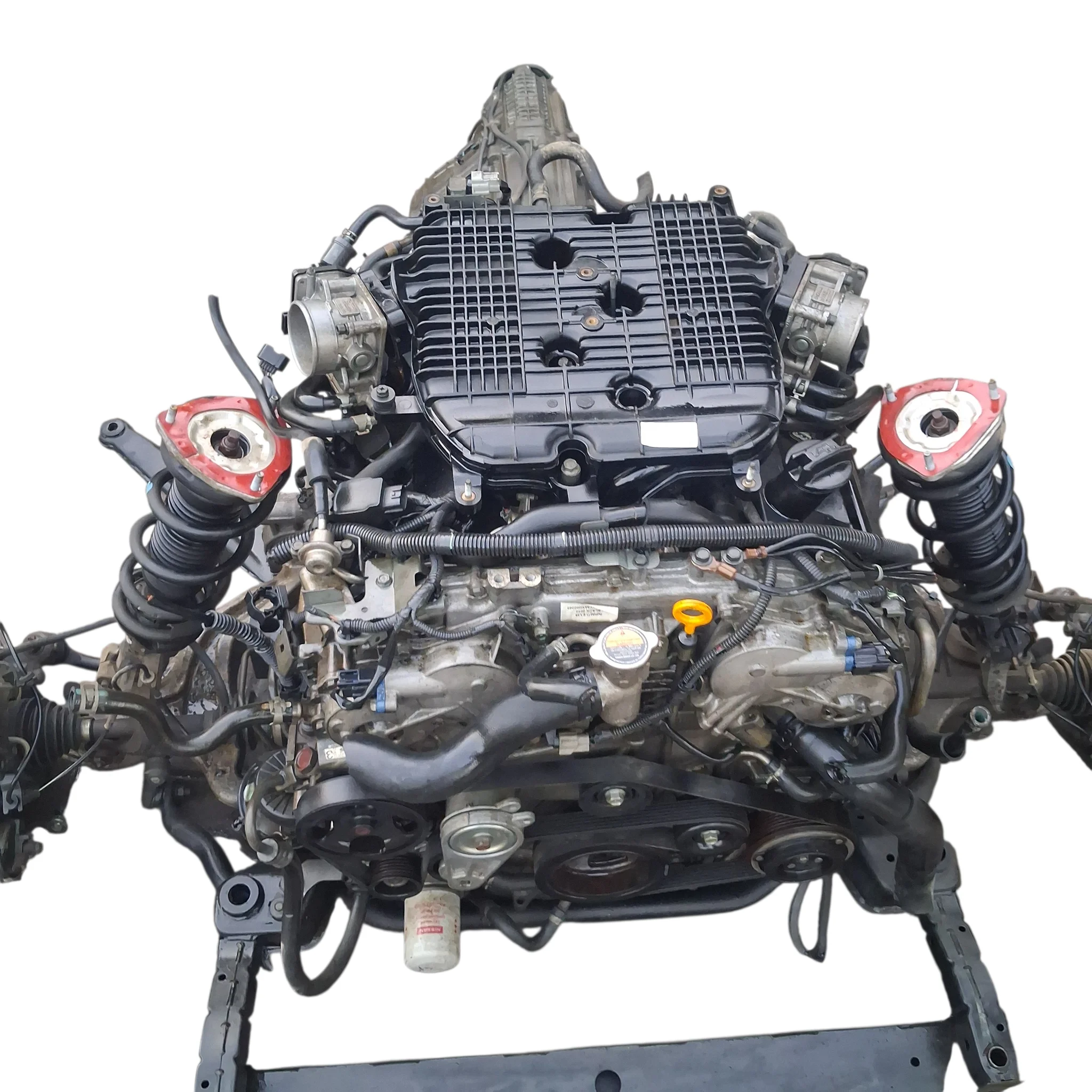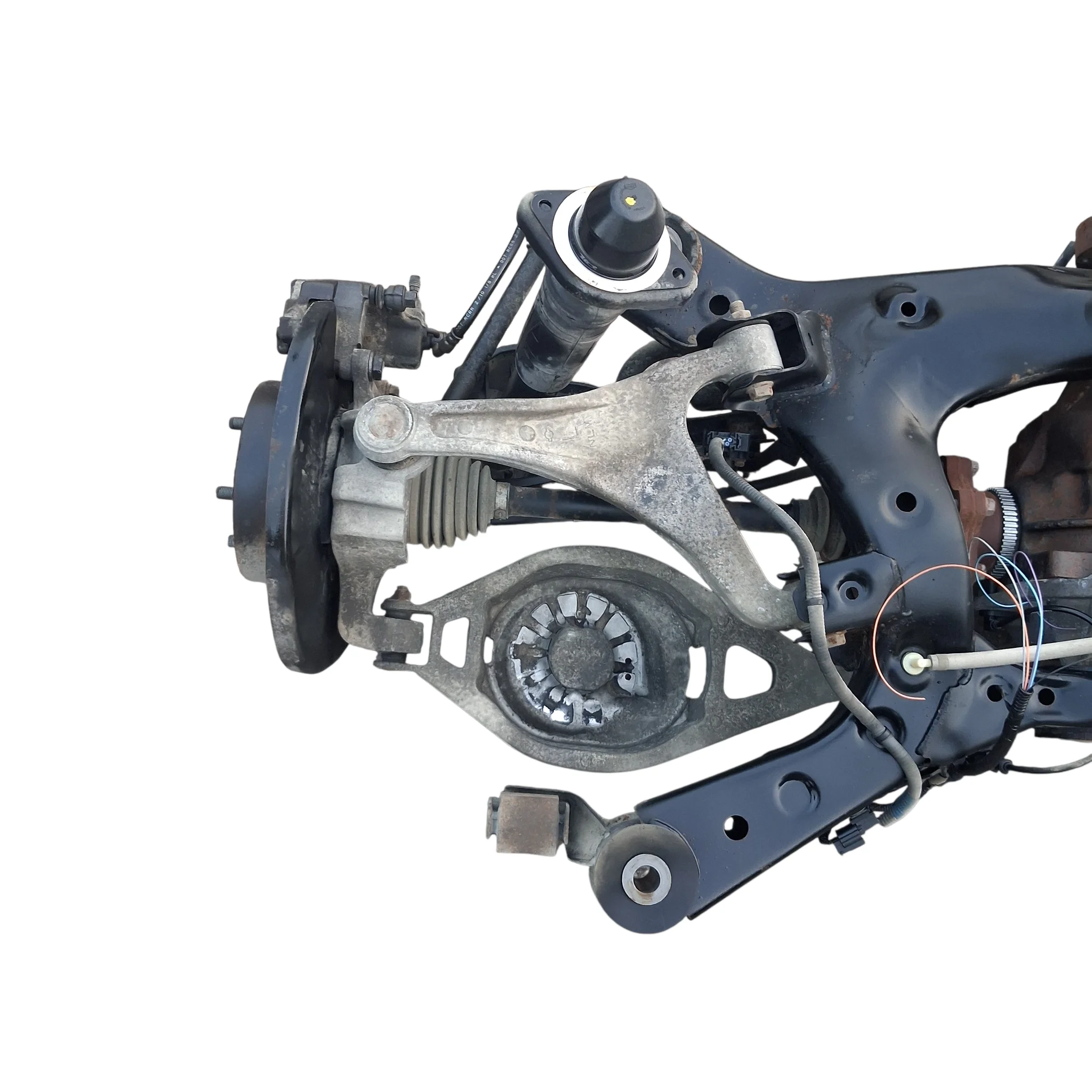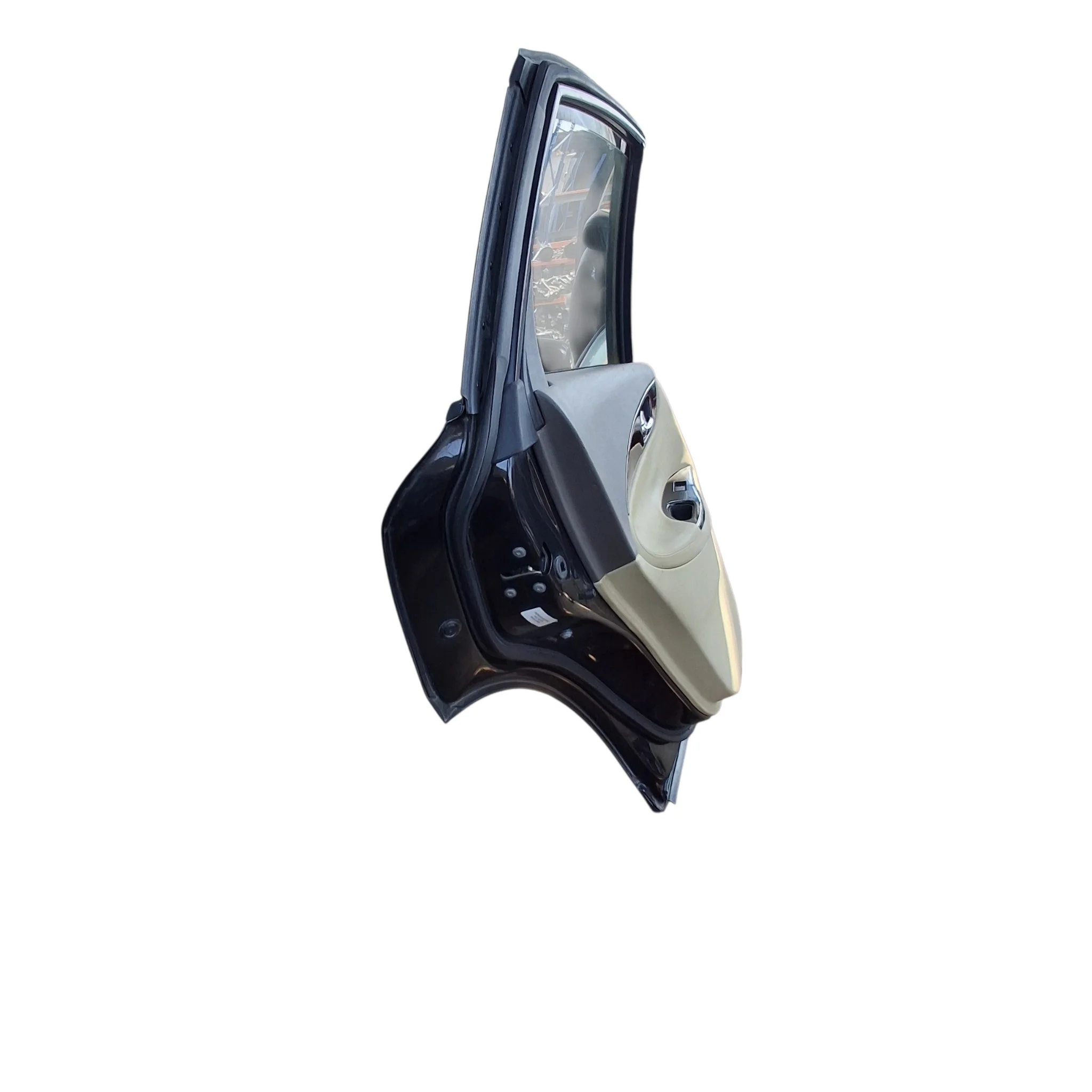
Genuine OEMSAL
2008-2012 Infinity Upper Door Hinge 82401-JK000 OEM Used
Genuine make: Infiniti
OEM no.82401-JK000
Salvage Auto Parts
AED 93.99View listing
Fitment evidence shown on every listing
Motor parts marketplace / fitment desk
Search real marketplace inventory by OE number, part name, or vehicle. Condition, compatibility evidence, seller terms, and shipping stay visible before you buy.
 Visit our Ebay Store
Vehicle-first shopping
Choose a make first
Choose a model first
Choose a generation first
Your vehicle is remembered on this device, and every listing shows whether it fits.
Fitment stays visible
Your selected vehicle follows search, listings, cart, and checkout.
Condition is explicit
New, used, remanufactured, OEM, and aftermarket sources remain distinct.
Seller terms stay separate
Dispatch, returns, warranty, and seller grouping are shown before purchase.
Category-first shopping
Marketplace feed
Current inventory from marketplace sellers, newest first.
Genuine make: Infiniti
OEM no.82401-JK000
Salvage Auto Parts
Genuine make: Infiniti
OEM no.13264-JK20A
Salvage Auto Parts
Genuine make: Infiniti
OEM no.16119-JK20A
Salvage Auto Parts
Genuine make: Infiniti
OEM no.82501-1BA0A
Salvage Auto Parts
Genuine make: Infiniti
OEM no.2330M-JK20BRW
Salvage Auto Parts
Genuine make: Infiniti
OEM no.D0206-ZA500
Salvage Auto Parts
Genuine make: Infiniti
OEM no.E6110-1BD0B
Salvage Auto Parts
Genuine make: Infiniti
OEM no.16500-JK22A
Salvage Auto Parts
Brand-first shopping
The parts-buying loop
The marketplace keeps the same decision order experienced Motors buyers expect: vehicle, listing, fitment, condition, seller, delivery, returns, purchase, tracking, and support.
Save a vehicle
Choose make, model, generation, and engine. Switch vehicles without losing your search.
Compare compatible listings
Filter the catalog, inspect condition and part numbers, then compare seller terms.
Verify before purchase
Fitment status follows the item into cart and checkout, including uncertainty warnings.
Manage each seller order
Seller shipments remain separate, with support, returns, and issue reporting tied to the purchase.